
在中国使用手机支付的每日避坑清单 | Daily Mobile Payment Tips in China
在中国使用手机支付的每日避坑清单 | Daily Mobile Payment Tips in China
手机支付在中国非常高效,但"高效"不等于"不会出错"。把以下动作做成习惯,旅程会顺很多。
为什么这件事和你有关
你一天可能要付十几次钱:地铁、咖啡、门票、外卖、打车。每个场景都很小,但累计一次失误就可能影响行程。这篇不讲如何开通支付,只讲开通之后怎么用得顺。
出门前的两分钟检查
每天早上出门前,花两分钟确认:
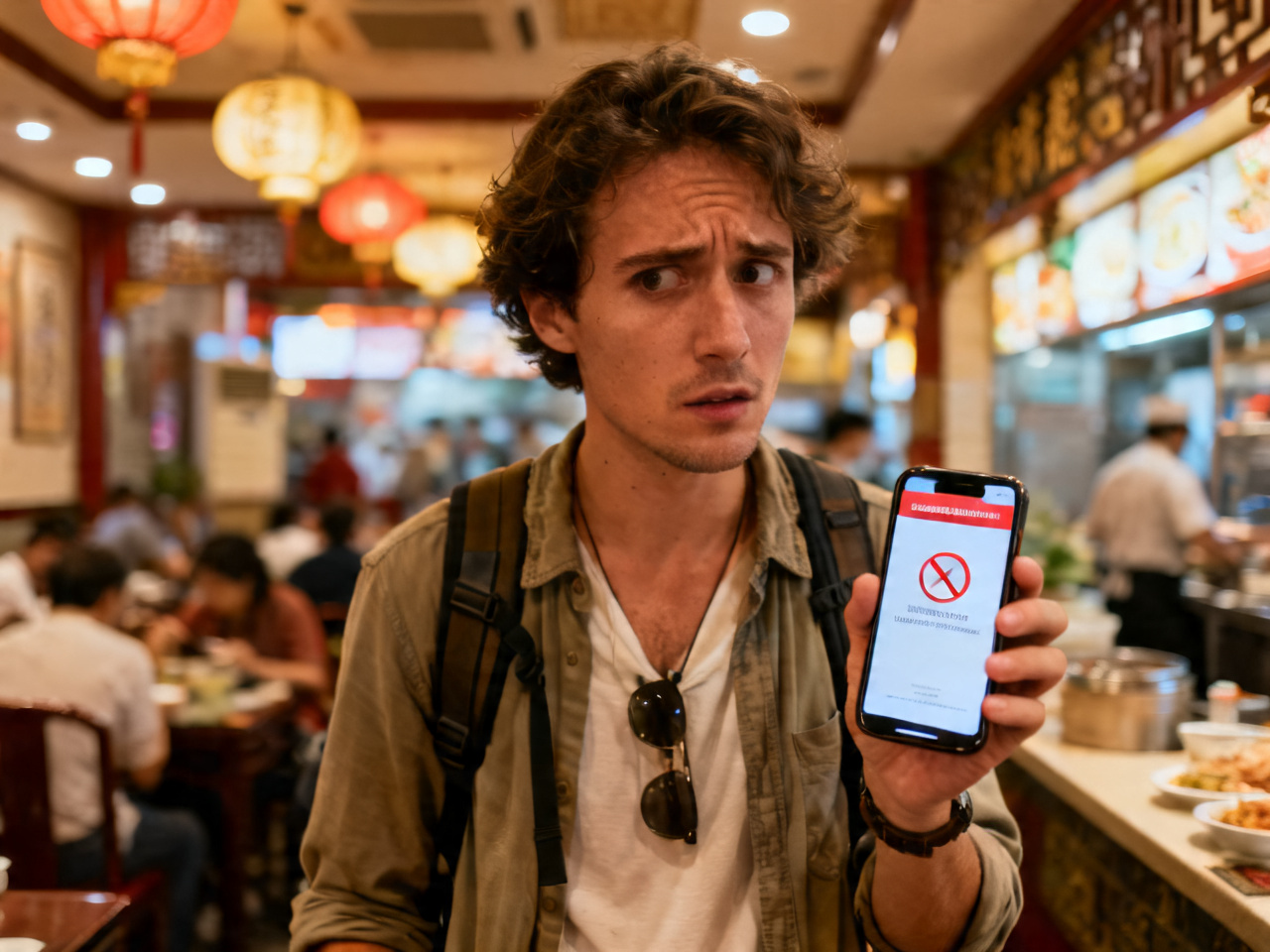
- 手机电量 > 30%(低电量模式会影响 NFC 和扫码速度)
- 网络正常(飞行模式没有意外开着)
-
付款码提前调出来,锁屏前别关掉
-
Phone battery > 30% (low power mode affects NFC and QR code speed)
- Network working (airplane mode not accidentally on)
- Payment code pre-loaded — don't close it before locking screen
This sounds obvious, but a dead phone at a subway turnstile during rush hour is genuinely stressful. Chinese transit systems are fast-paced — having your payment code ready before you reach the gate saves you and everyone behind you.
四个高频场景
1) 地铁与公交 / Metro & Bus
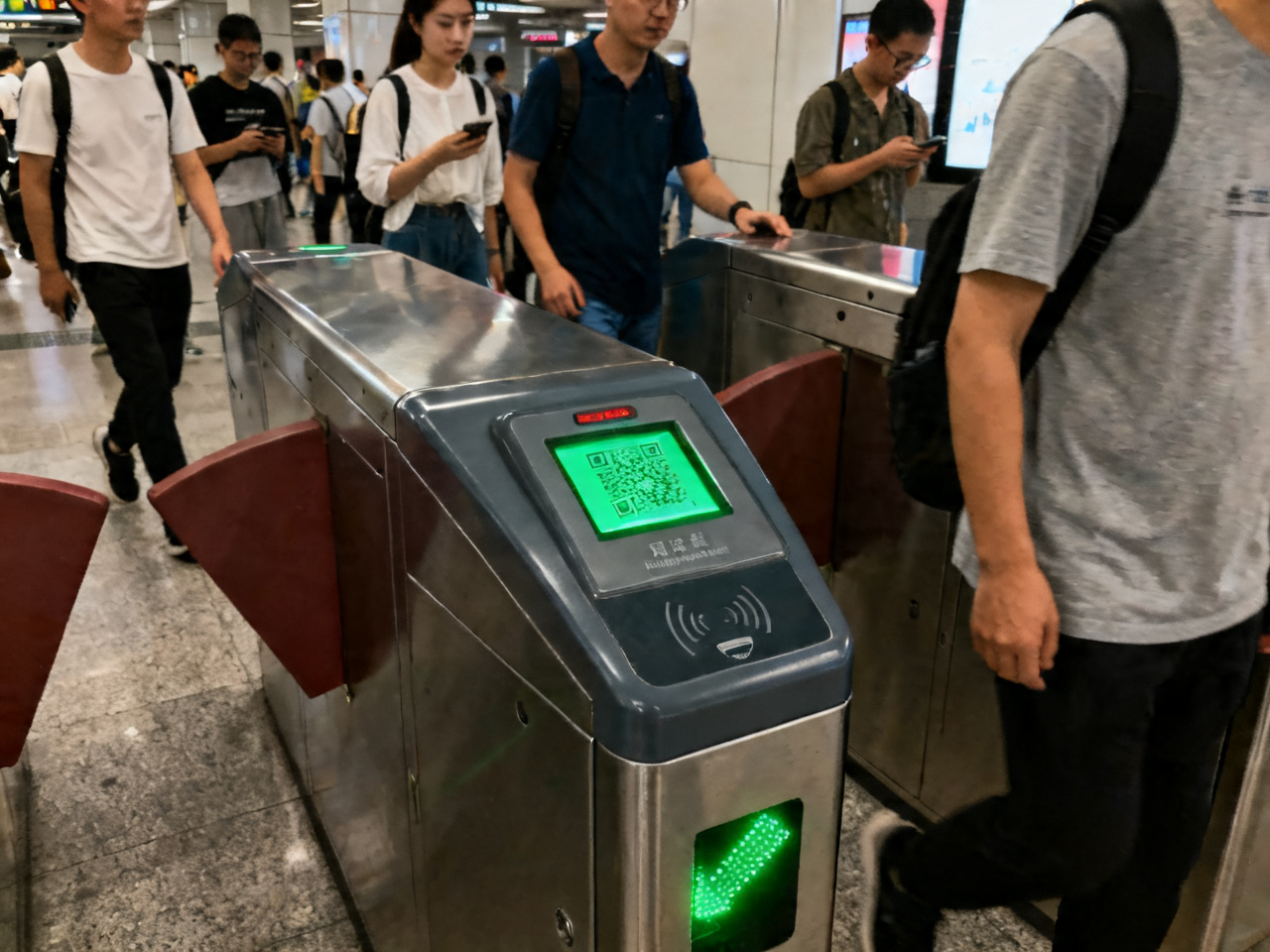
Have your payment code ready before reaching the gate. Some cities support dedicated "transit codes" (乘车码) inside WeChat/Alipay — faster response than regular payment codes. Make sure you're showing the transit code, not the regular merchant payment code — they look different.
付款码提前调出,减少闸机口停顿。部分城市地铁支持"乘车码"(微信/支付宝内的专属交通码),比普通付款码响应更快。进站前确认是"乘车码"还是普通收款码,两者界面不同。
2) 餐饮与夜市
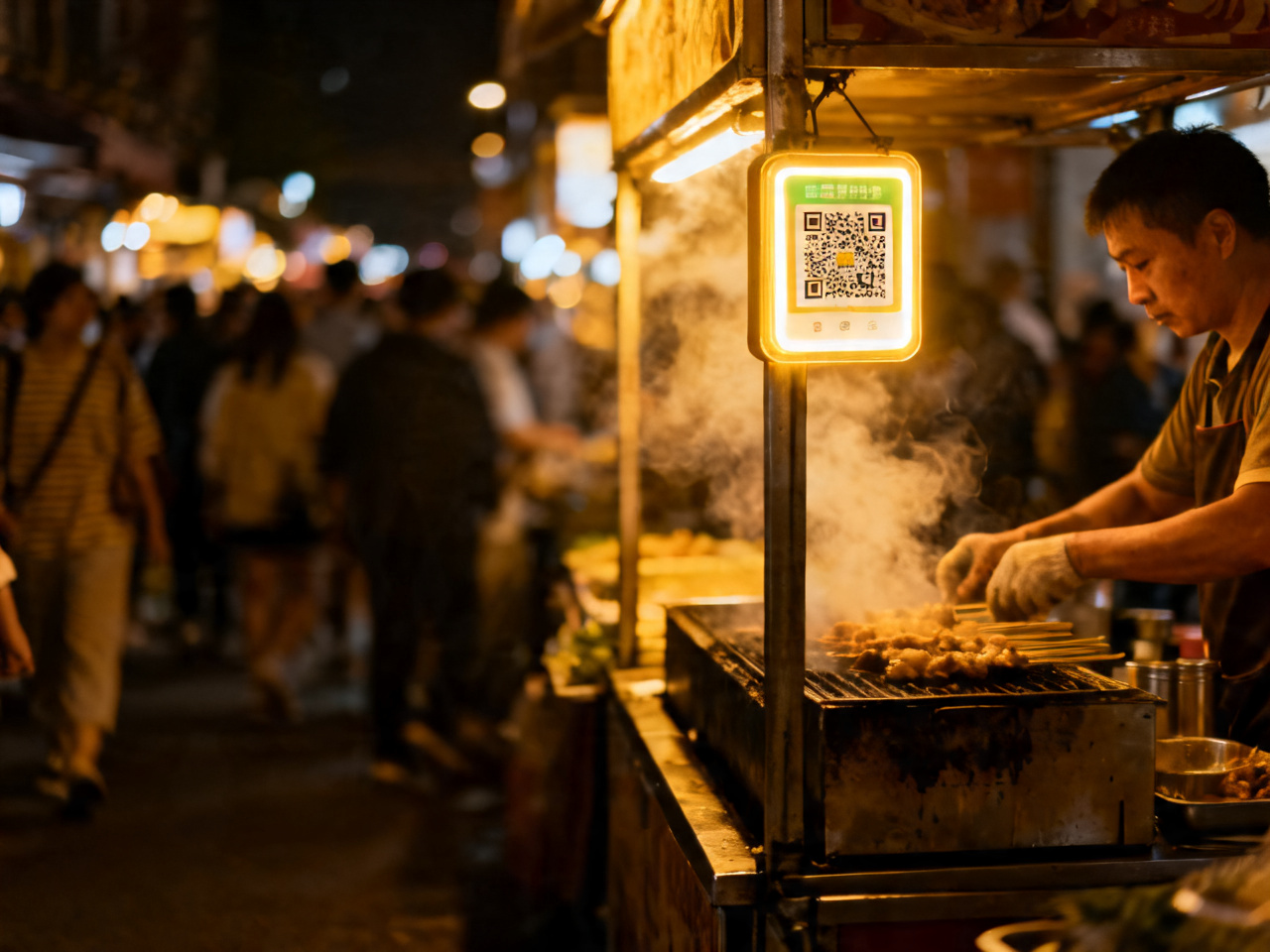
付款前核对商户名。夜市摊位有时会出现二维码被替换的情况(贴了假码),扫码后先看收款方名称再确认金额。遇到"换个码"要求时,要求对方出示官方收款码而非手写纸条。
At night markets, always check the merchant name that appears after scanning before you confirm payment. Fraudulent QR codes do exist — they're rare but not unheard of in high-traffic tourist areas.
3) 景区与博物馆 / Attractions & Museums
热门景区(故宫、黄山、张家界等)需要提前在官方 App 或小程序购票,现场扫码购票可能已售罄。建议前一天晚上完成购票,截图保存备用(防止入园时网络不稳定)。
Popular sites (Forbidden City, Huangshan, Zhangjiajie, etc.) require advance booking via official apps or mini-programs — walk-up tickets may be sold out. Buy the night before and screenshot the QR code as backup in case of poor signal at the entrance.
4) 打车 / Ride-hailing (Didi/Gaode)
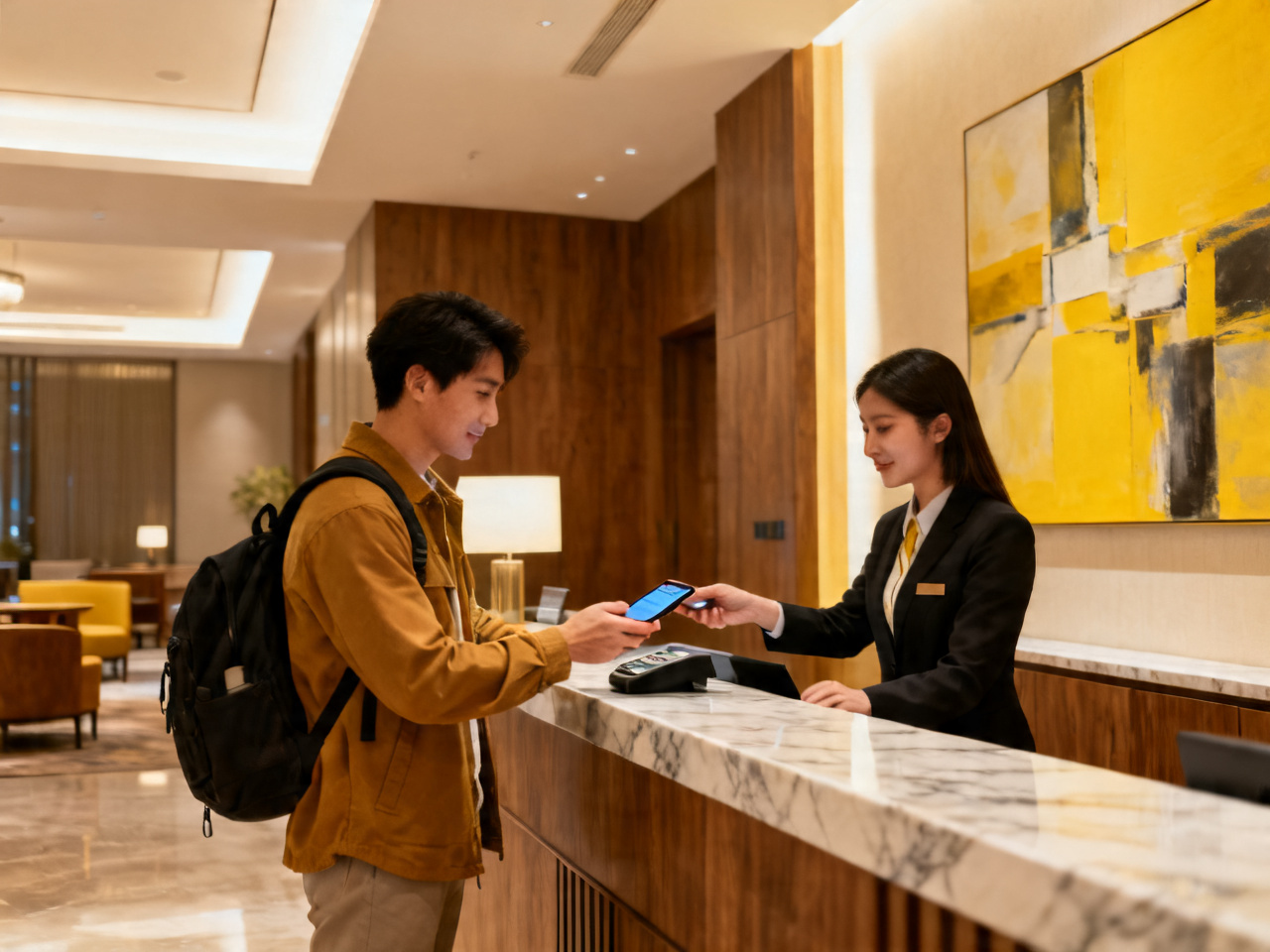
绑定境外银行卡后,打车结束会自动扣款。如果扣款失败(偶发),司机会要求现场补付——提前确认支付宝/微信余额或绑定卡状态,避免尴尬。
With a foreign card linked, rides auto-charge after drop-off. If payment fails (occasional), the driver will ask you to pay on the spot — check your Alipay/WeChat balance or card status before hailing to avoid awkward moments.
网络不稳定时的备用方案
景区山区信号差是常态。建议:
- 提前截图门票二维码(离线可用)
- 微信/支付宝付款码在弱网下仍可短暂显示,但刷新需要网络
-
随身备 100-200 元现金,用于信号盲区的小摊和停车场
-
Screenshot ticket QR codes in advance (works offline)
- WeChat/Alipay payment codes display briefly on weak signal, but need connectivity to refresh
- Carry ¥100–200 cash for dead-signal zones at remote stalls and parking lots
Offline screenshots of tickets work at most venues — staff scan the QR code from your screen. But payment codes require a live connection to generate. Keep some cash for truly remote spots.
退款与对账
每天晚上花一分钟翻一下当天账单(微信:我→服务→钱包→账单;支付宝:首页→账单)。发现异常立刻在 App 内申请退款或联系商家,当天处理成功率远高于事后追溯。
一句话结论
手机支付的坑大多不在技术上,在习惯上。出门前查电量和网络,付款时核对商户名,备一点现金兜底——这三件事做到,90% 的麻烦都不会发生。
延伸阅读 / Related Reads

- 福州的榕树和路口一起告诉我,这座城是怎么往前走的 | Fuzhou’s Banyan Trees and Crossroads Showed Me How the City Moves
- 我在中国学会看便利店灯光、地铁出口和人流方向来判断安全 | I Learned to Read Convenience-Store Lights, Metro Exits, and Pedestrian Flow for Safety in China
- 天津海河边的傍晚,不适合用打卡速度走完 | An Evening by Tianjin’s Haihe River Is Not for Check-In Speed
- 第一次在中国面馆学会先看桌上调料再加辣 | The First Lesson I Learned in a Chinese Noodle Shop Was to Check the Table Seasonings Before Adding Chili
- 中国传统节日 | Traditional Chinese Festivals
- 共享单车不是难用,难的是先看停车区 | Shared Bikes Are Not Hard; the Hard Part Is Checking Parking Zones First
- 去济南之前,我先把会让人慌张的那几样信息收进同一屏 | Before Jinan, I Gathered the Few Panic-Making Essentials onto One Screen
- 孩子在北京地铁里第一次自己问路 | When My Child Asked for Directions Alone on the Beijing Subway
- 零下二十多度的哈尔滨,先考验的不是勇气,是手机电量 | In Harbin Below Minus Twenty, the First Test Was Not Courage but Phone Battery
- 中国纪念品选购指南 | Chinese Souvenirs Guide
Comments (0)