
支付宝绑定国际银行卡实操 | Alipay Foreign Card Binding Walkthrough
支付宝绑定国际银行卡实操 | Alipay Foreign Card Binding Walkthrough
如果你想把失败率降到最低:先做身份验证,再绑卡,再做小额验证支付,不要反过来。
为什么这件事和你有关
很多游客在机场或高铁站才第一次打开支付宝,这时网络、时间和压力都不友好。提前在住宿地完成配置,成功率明显更高。支付宝在中国的覆盖场景和微信支付高度重叠,但部分商家、景区和政务类服务只接受支付宝,两个都配好是最稳的策略。
标准操作顺序
- 打开 Alipay,进入 Account / Wallet 设置
- 完成护照身份信息认证(姓名+护照号)
- 绑定国际银行卡(按发卡行英文信息填写)
- 在支付设置里把已验证卡设为优先扣款
-
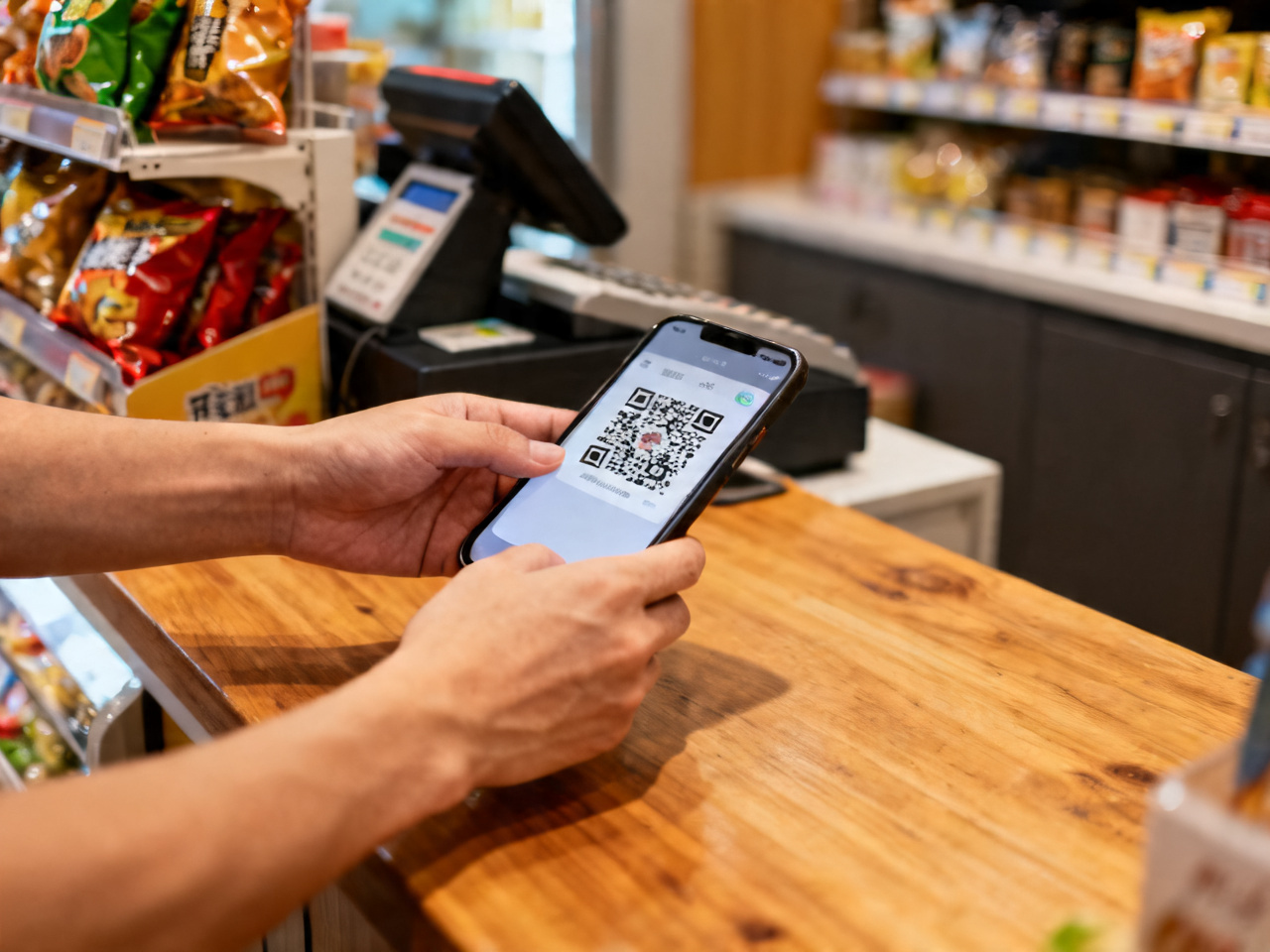
做一笔小额支付验证全链路
-
Open Alipay → Account / Wallet settings
- Complete passport identity verification (name + passport number)
- Bind international bank card (fill in card issuer info in English)
- Set verified card as default payment method
- Make a small test payment to verify the full chain
The order matters. Skipping identity verification and going straight to card binding often results in a vague "service unavailable" error. Alipay's system links your card to your verified identity — without that step, the card binding form may appear to work but fail at payment time.
身份认证步骤 / Identity Verification
打开支付宝 → 右上角头像 → 账户与安全 → 实名认证 → 选择"护照"。填写护照上的英文姓名和护照号码,上传护照照片页。审核通常在几分钟内完成,部分情况下需要1个工作日。
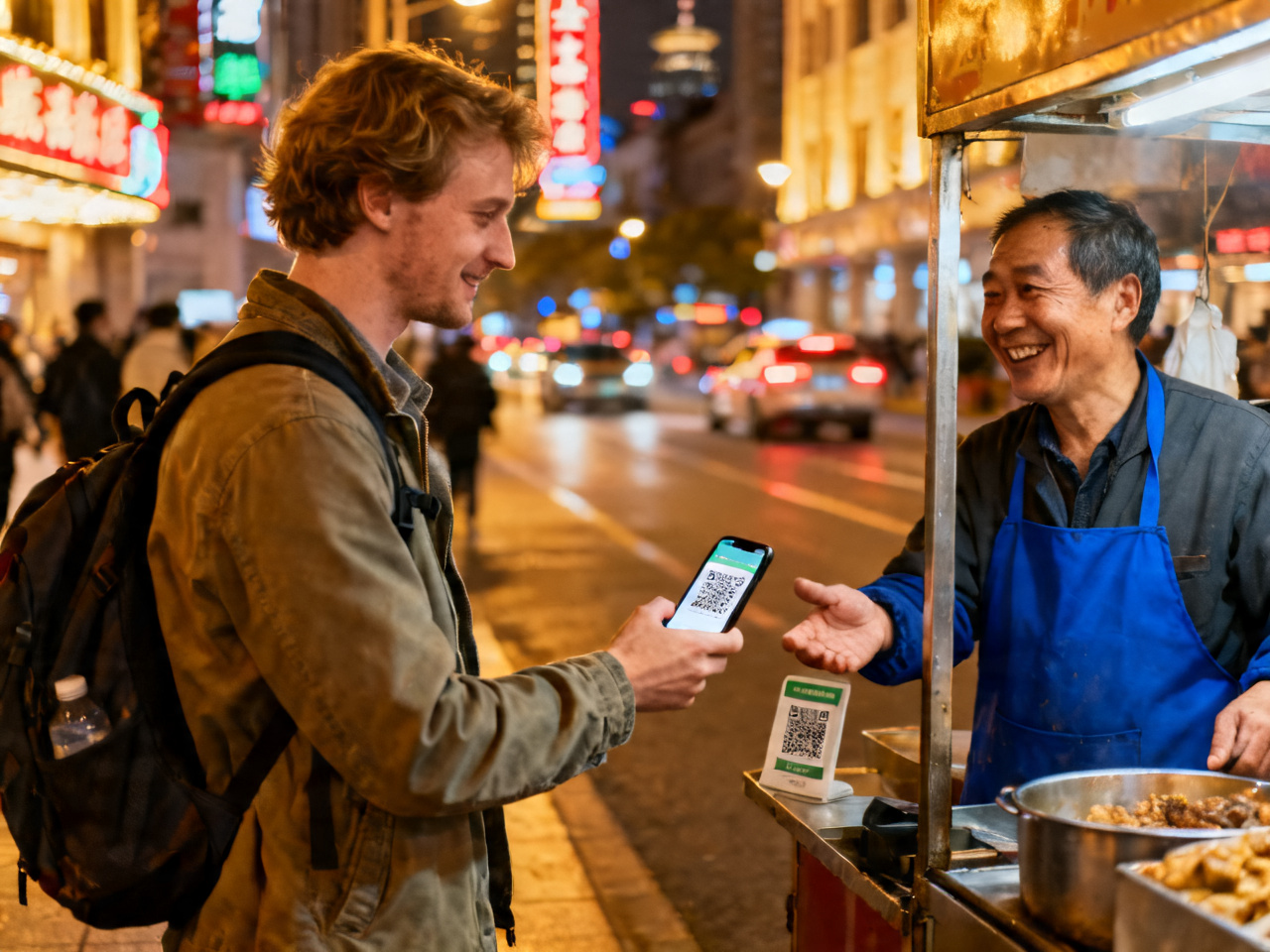
Go to your profile → Account & Security → Real-name Verification → select Passport. Upload a clear photo of your passport's data page. The name you enter must match the passport exactly — including spacing between given names and surname.
绑卡步骤 / Card Binding
身份认证通过后:支付宝首页 → 我的 → 银行卡 → 添加银行卡。
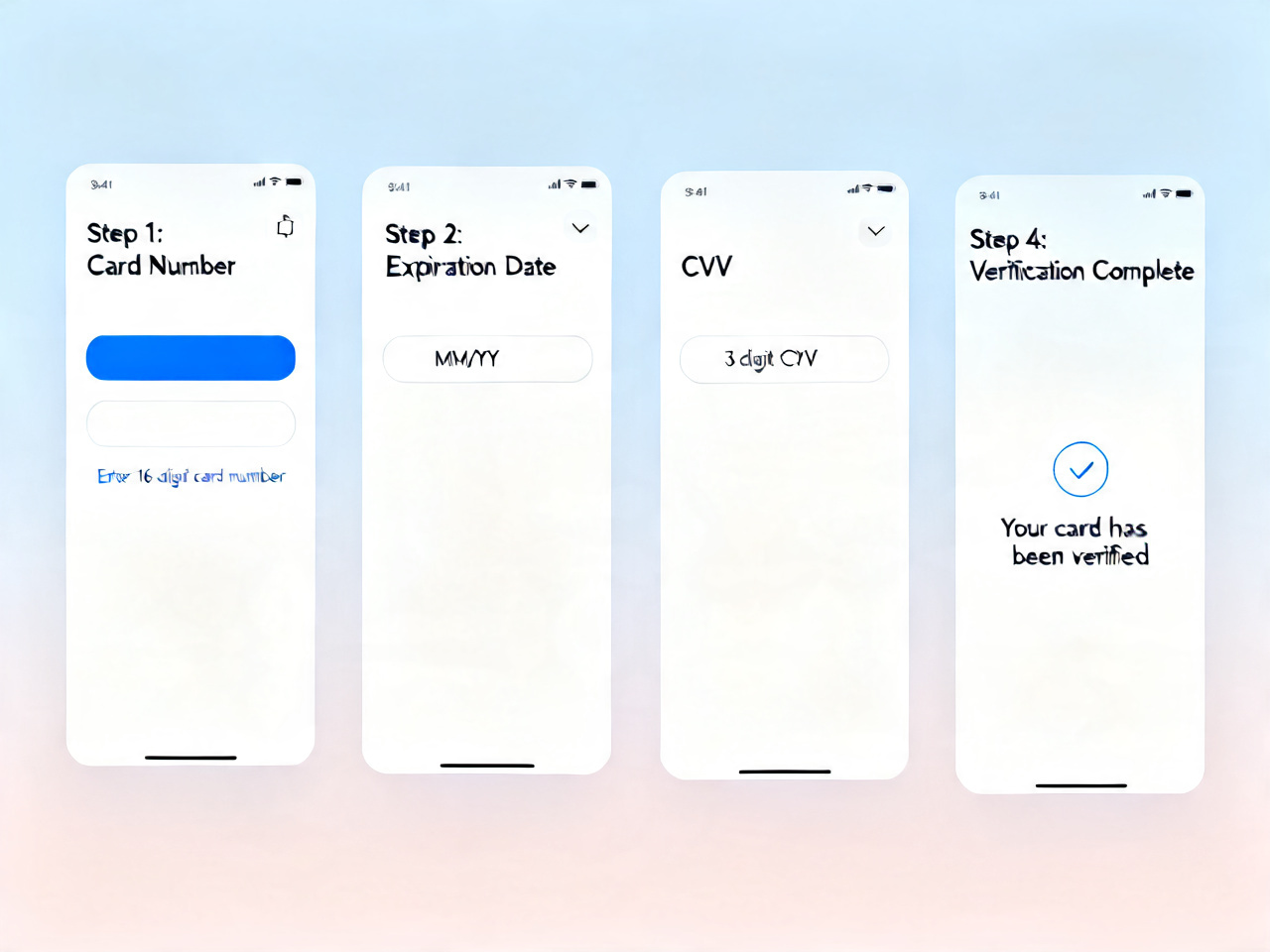
- 卡号:完整16或18位
- 持卡人姓名:英文,与护照一致
- 有效期:MM/YY 格式
- CVV:卡背面3位安全码
- 预留手机号:发卡行注册的手机号(用于接收验证码)
After entering your card details, Alipay sends a verification SMS to your card's registered phone. This is the most common failure point for international travelers — if your overseas number can't receive SMS in China, the binding will time out. Consider enabling international roaming before your trip, or use a card registered to a number you can reliably receive.
支付宝 vs 微信支付:选哪个主用
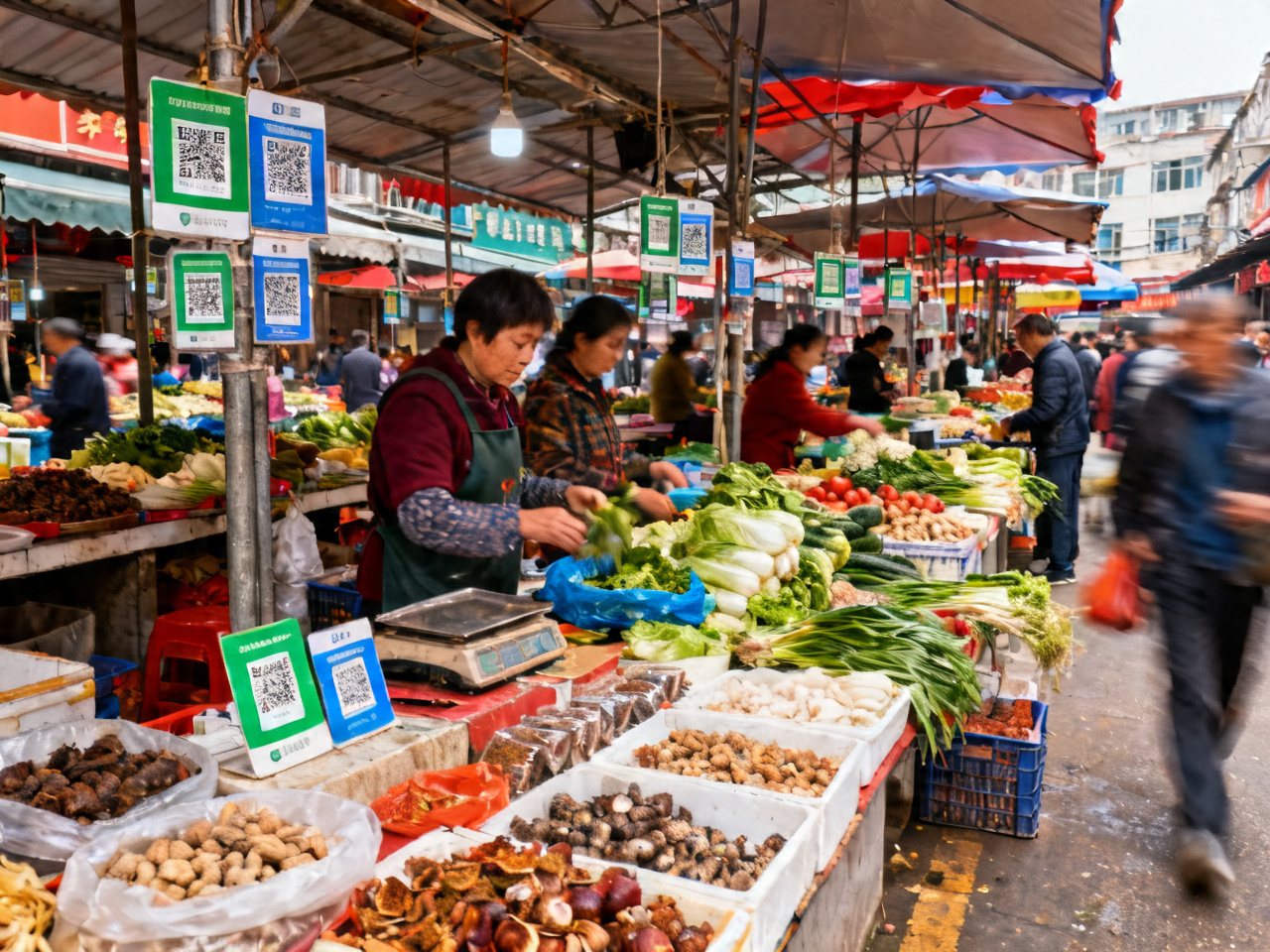
两者功能高度重叠,但有几个实际差异值得注意:
- 支付宝:在政务、医院挂号、部分景区票务上覆盖更广
- 微信支付:在餐饮、小商家、个人转账场景更普遍
- 境外卡成功率:两者相近,但支付宝的错误提示通常更明确
Alipay tends to have better coverage for official services — hospital appointments, government platforms, some national park ticketing systems. WeChat Pay dominates in everyday commerce. If you can only set up one, WeChat Pay is slightly more versatile for pure tourism. If you have time, set up both.
常见失败场景与处理 / Common Failure Scenarios
"您的账户暂不支持此操作":通常是身份认证未完成,回到实名认证步骤重新提交。
验证码收不到:确认手机号是否开启国际漫游,或联系发卡行确认是否有短信拦截。
绑卡成功但支付失败:检查卡的单笔限额设置,部分银行对境外消费有默认限制,需提前联系银行开通。
"Your account does not support this operation" — usually means identity verification is incomplete. Go back to the Real-name Verification step and resubmit.
Can't receive the verification code — check whether international roaming is enabled on your phone, or contact your card issuer to confirm SMS isn't being blocked.
Card bound successfully but payment fails — check your card's per-transaction limit. Some banks set default restrictions on overseas spending; contact your bank in advance to enable it.
"Card not supported" errors usually mean your card type isn't accepted — prepaid cards and some debit cards from certain countries have lower acceptance rates. Visa and Mastercard credit cards from major banks have the highest success rate.
一句话结论 / The Bottom Line
按顺序来:认证 → 绑卡 → 测试支付。三步都跑通了,支付宝就是可靠的备用钱包,关键时刻不会掉链子。
Follow the sequence: verify identity → bind card → test payment. Once all three steps check out, Alipay becomes a reliable backup wallet that won't let you down when it matters.
延伸阅读 / Related Reads

- 汉服:传统中国服饰 | Hanfu: Traditional Chinese Clothing
- 第一次在中国水果店买西瓜,我学会先说想现场切还是带走 | The First Time I Bought Watermelon in a Chinese Fruit Shop, I Learned to Say Whether I Wanted It Cut to Eat Now or Taken Home
- 广州真正上镜的,不只是早茶和烧味,而是吃这件事怎样带着整座城往前走 | What Truly Films Well in Guangzhou Is Not Only Dim Sum and Roast Meats but the Way Eating Pulls the Whole City Forward
- 广州早茶桌上,孩子先学会了听,再学会了说 | At a Guangzhou Dim Sum Table, My Child Learned to Listen Before Speaking
- 我在中国早餐摊前慢慢看懂,大家为什么总有自己的固定搭配 | At Chinese Breakfast Stalls, I Slowly Understood Why Everyone Seems to Have a Usual Combo
- 中国红:一种颜色如何定义一个文明 | Chinese Red: How One Color Defines a Civilization
- 我在北京学会别把最后一班地铁当成唯一计划 | In Beijing I Learned Not to Treat the Last Metro as My Only Plan
- 长沙一碗米粉的早晨,教我别只看招牌菜 | One Morning Bowl of Rice Noodles in Changsha Taught Me Not to Only Chase Signature Dishes
- 走到一半就下城墙,是我在南京学会的第一个正确决定 | Getting Off the Wall Midway Was the First Right Decision I Learned in Nanjing
- 福建土楼与海岸线7日游 | 7-Day Fujian Tulou & Coastline Tour
Comments (0)